Top 5 CRM Tracking Blunders Killing Your ROAS (And How to Fix The Loop)
By: Martin Grozev | Performance Marketing Specialist 8 Years Experience | $3M Managed Ad Spend |
Your Google Ads dashboard says you generated 50 leads at a $40 CPA. You high-five the team. Then you look at your bank account. It says you made $0.
This is the Data Gap.
It is the invisible void between a user clicking your ad and a sales rep closing the deal. In that void, data gets lost, GCLIDs get stripped, and attribution dies.
When you fail to sync your CRM (Customer Relationship Management) data back to your ad platforms, you aren't just losing visibility—you are actively training the AI to fail. You are feeding it "lead volume" when you should be feeding it "revenue quality."
Here are the top 5 CRM tracking mistakes that are silently draining your budget, and how to build a closed-loop system that actually works.
1. The "Air Gap": Failing the Web-to-CRM Sync
The first blunder happens milliseconds after a user clicks "Submit."
Most startups use generic form handlers (like standard WordPress forms or direct calendar links) that capture the user's info (Name, Email) but strip the marketer's info.
If that data doesn't land in your CRM, the link is broken forever. You cannot optimize for what you cannot track.
The Fix: Hidden Fields You must capture the digital footprint before the submission happens. Your forms need hidden fields that automatically scrape the URL parameters.
GCLID (Google Click ID): The passport that connects the user back to the specific ad click.
UTM Parameters: Source, Medium, Campaign, Content.
Landing Page URL: Where did they actually convert?
If your CRM contact record doesn't have a "Marketing Data" section filled with this gibberish, you have an Air Gap.
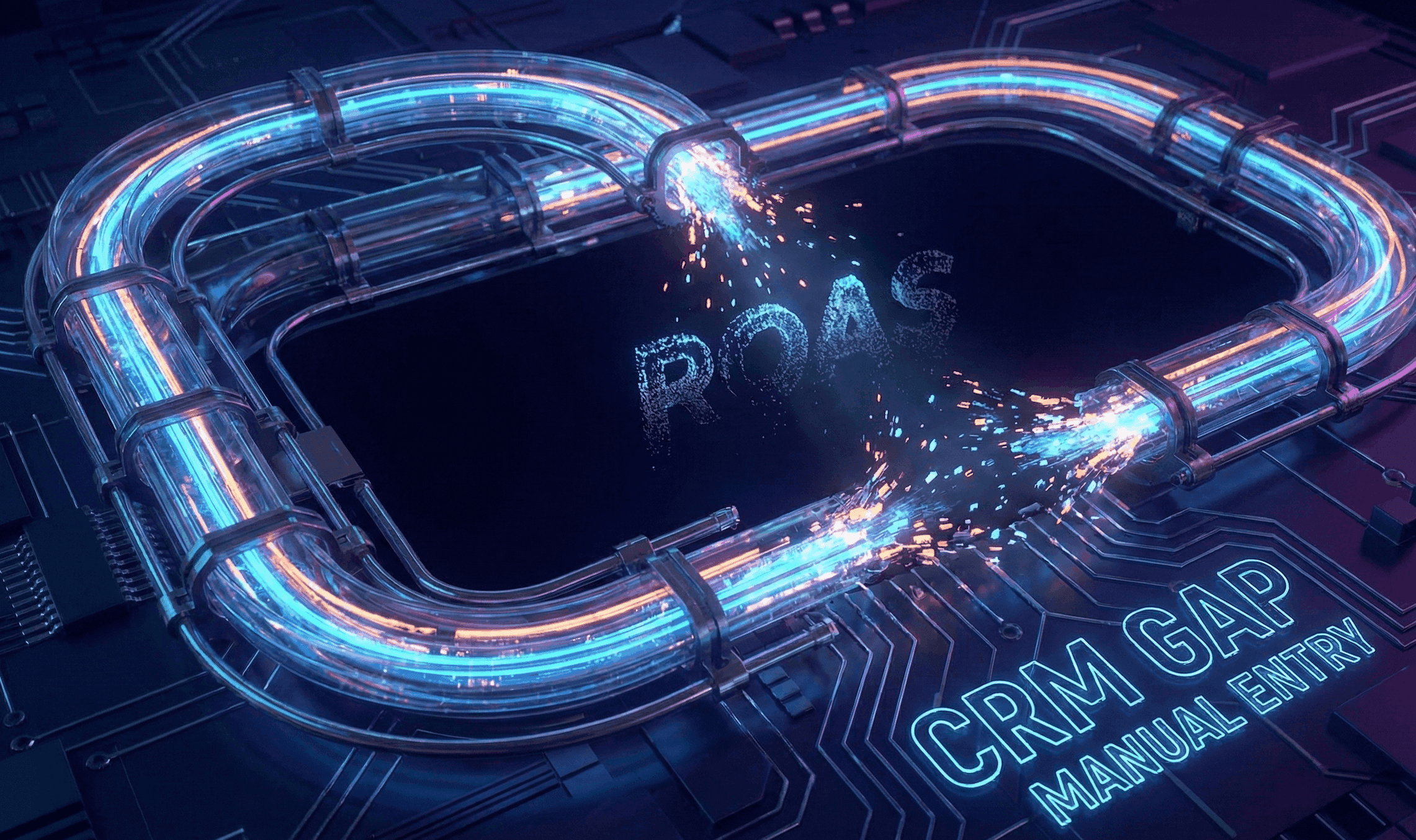
2. Manual Lead Entry (The Algorithm Killer)
I see this in Series A startups constantly: A sales rep gets a call or an email, opens Pipedrive or HubSpot, and manually types in the lead.
This feels harmless. It is actually fatal to your Google Ads CRM strategy.
When a human manually enters data, two things happen:
The Digital Thread is Cut: A manually created lead has no
gclidattached. Google has no idea this person came from your $50 click.Data Rot: Research on manual data entry shows that error rates can spike to 18–40% under time pressure.
The Fix: API or Bust Every lead must enter your system via an API webhook, a form submission, or a server-side event. Humans should manage leads, never create them.
3. The "Offline" Black Hole
You generate a lead online. The sales team chases them for 3 weeks. Finally, they close the deal over the phone for $10k.
Does Google Ads know you made $10k? Or does it still think that lead was just another $50 conversion, equal to the spam bot that signed up 5 minutes later?
If you aren't using Offline Conversion Tracking (OCT), you are bidding blindly. You are telling Google "get me more form fills," not "get me more revenue."
The Data Reality: Advertisers who import offline conversions and GCLID data see a median 10% increase in conversions compared to those who don't.
The Fix: The Feedback Loop You need to set up a scheduled sync (via Zapier, Make, or native integrations) that pushes the "Deal Won" status and the "Conversion Value" back to Google Ads. This allows you to switch your bidding strategy from "Target CPA" to "Target ROAS," forcing the AI to hunt for high-value whales instead of cheap minnows.
4. Choosing the Wrong Tool: Pipedrive vs. HubSpot
This is the most common debate I hear: "Pipedrive is cheaper and the sales team loves it. Why pay for HubSpot?"
From a sales perspective, Pipedrive is excellent. But from a HubSpot ROI and marketing perspective, they are not in the same weight class.
Pipedrive is built for sales execution. It focuses on deal progression and activity tracking. To get marketing attribution out of it, you often need complex middleware (Zapier/Make) to patch the data together.
HubSpot is built for the unified customer view. It offers native multi-touch revenue attribution and automatically connects ad clicks to closed deals without third-party duct tape.
The Verdict: If you are bootstrapping (<$100,000 ARR), Pipedrive + Zapier is a fine, scrappy solution. If you are scaling ($100,000–$10M+), the "cost" of HubSpot is lower than the cost of the engineering hours required to fix your broken data in Pipedrive.
5. The "Vanity Metric" Trap
Your CRM has lifecycle stages. Your Google Ads account usually has one conversion action: "Lead."
This flattens your data. To the algorithm, a CEO requesting a demo is identical to a student downloading a PDF. If you treat them the same, Google will find you thousands of students because they are cheaper to acquire.
The Fix: Lifecycle Mapping You need to map your CRM Marketing Sync to distinct conversion actions in Google Ads:
MQL (Marketing Qualified Lead): The form fill.
SQL (Sales Qualified Lead): The rep confirms they are real.
Opportunity: A deal is opened.
Customer: Credit card swiped.
Assign a different value to each. Tell Google that an SQL is worth 10x more than an MQL. This is how you stop the "Junk Lead Epidemic."
The Closed Loop System
If you fix these five blunders, you stop being a "lead gen" marketer and start being a revenue engine.
Capture the GCLID (Hidden Fields).
Automate the entry (No manual typing).
Map the stages (MQL vs SQL).
Sync the result (Offline Conversion Tracking).
Stop feeding the algorithm junk. Give it the truth, and it will give you the revenue.